
Ampio logo (light theme)
  • For home
  • For partners
  • Our system
  • Contact
  • Cloud
    European Union Flag
    Ampio logo (light theme)
    About our company
    • About us
    • Our locations
    • Projects
    • Privacy policy
    • ISO9001 certificate
    For partners
    • Trainings
    • Installer
    • Architect
    • Developer
    • Hotels
    • Offices
    • Houses
    • Public sector
    Our system
    • Ampio home
    • Functionalities
    • Benefits
    • Products
    • Panel Creator
    • Application
    • Integrations
    Support
    • FAQ
    • Installers' forum
    • Knowledge base
    • Contact
    • email: ampio@ampio.com
      phone: +48 91 317 51 45
      address:
    Ampio Newsletter

    This site is protected by reCAPTCHA and the Google Privacy Policy and Terms of Service apply.

    Copyright © 2026 Ampio sp. z o. o. All rights reserved

    Ampio system configuration has never been easier

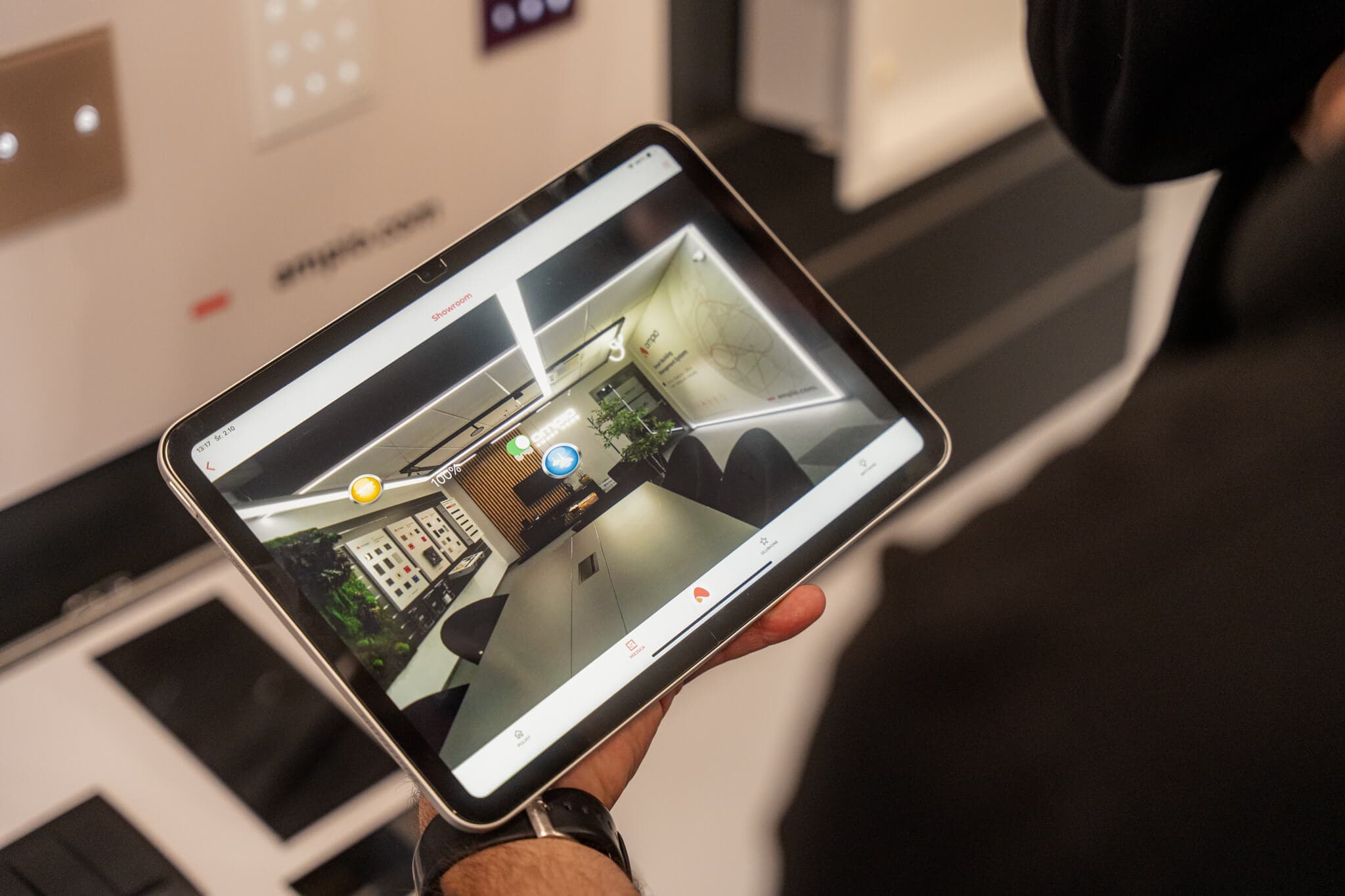
    Our ecosystem of products and software gives you full control over your smart home. With two key tools - Ampio Designer and Panel Creator - you can fully personalise your system.

    Whether you are a certified installer planning a new installation, or an end user eager to customise your panel design, you'll find everything you need here.

    Discover the Ampio Designer Discover the Panel Creator
    alt text
    Your browser does not support the video element.

    Ampio Designer

    A professional tool for building automation programming

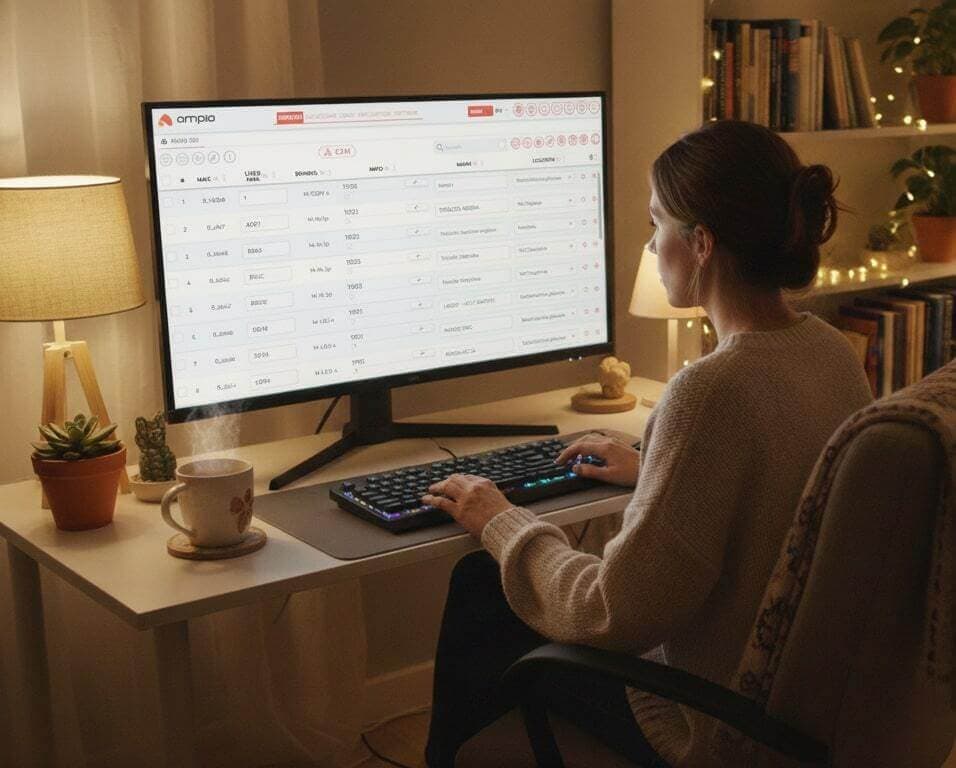
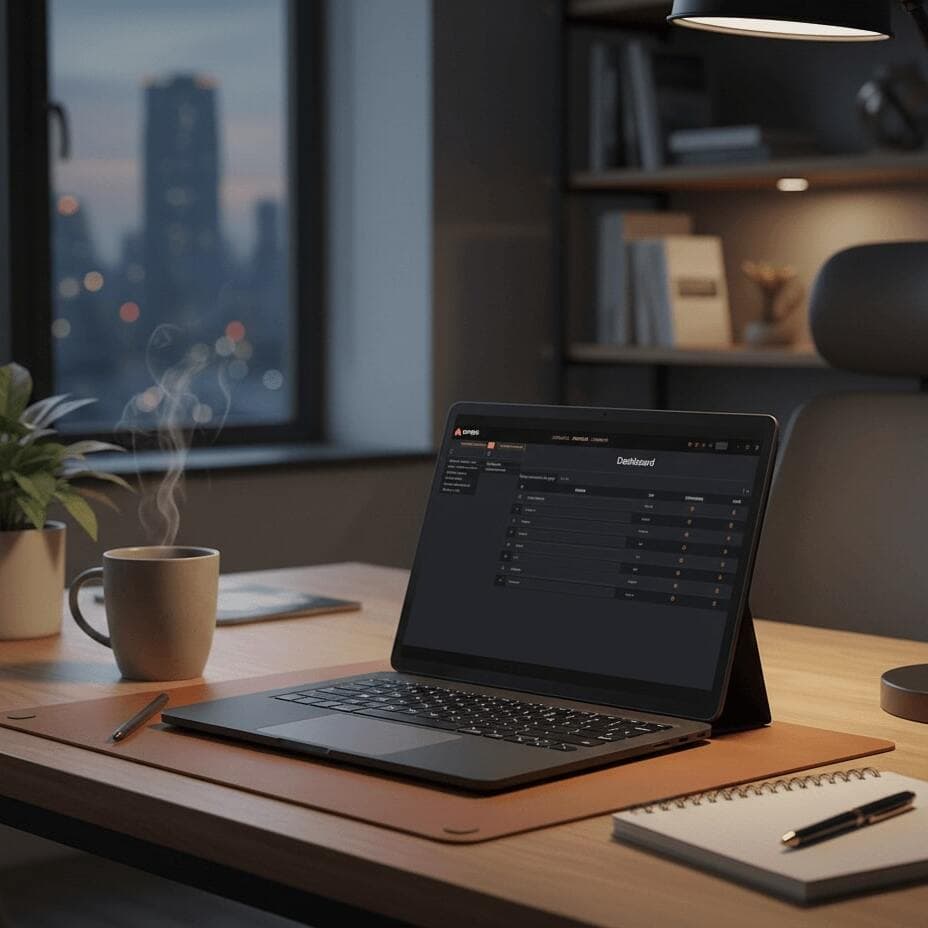
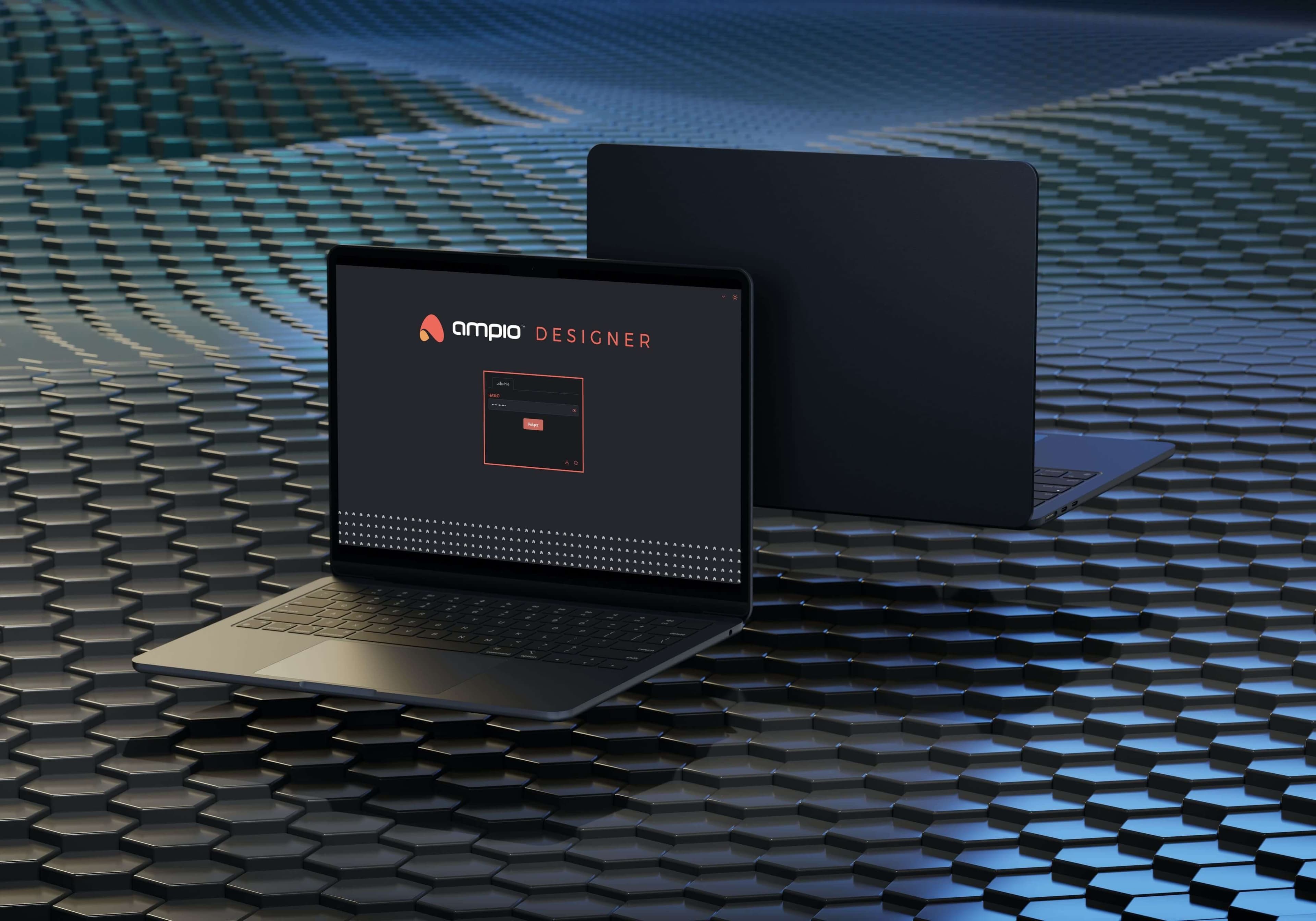
    Ampio Designer is advanced, web-based software created especially for authorised Ampio installers. Configuring and programming the logic of the entire system is done in the browser, on any device connected to the network. This comprehensive tool makes work easier, increases flexibility, and gives you full control over the installation.

    What do you gain?

    Remote programming capability
    Web configuration on all devices
    Full manufacturer support
    Quick configuration of modules and logic
    alt text

    Key features and advantages:

    alt text

    Diagnostic mode

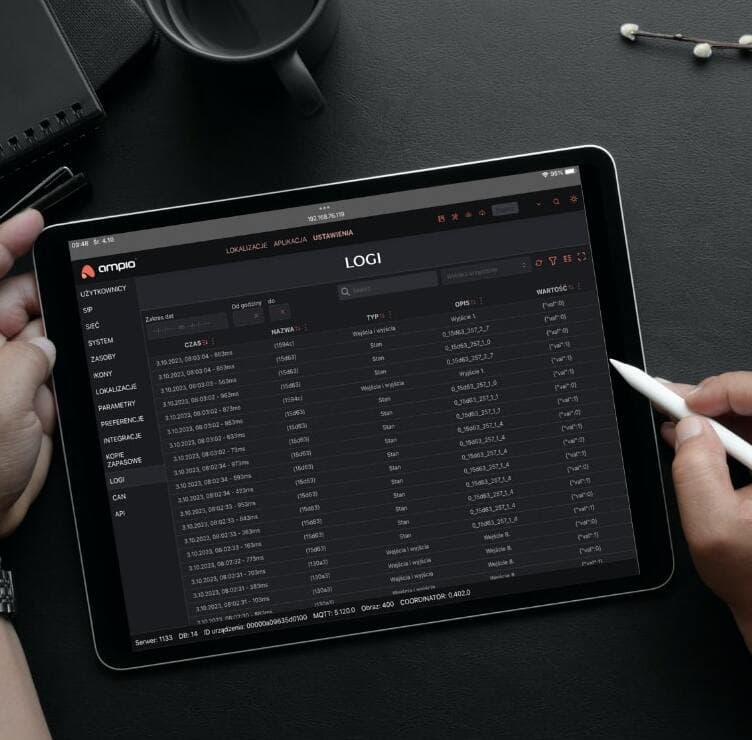
    Possibility of immediate system analysis and checking module status directly from the browser.

    alt text

    Immediate implementation of changes

    New settings are sent to the modules in real time – without delays and restarts.

    alt text

    Suitable for any project

    No matter if you configure a small family house or a large commercial installation – Designer fits any scale.

    alt text

    For beginners and professionals

    Thanks to its simplicity, it works great as a training tool, and experienced installers will appreciate its advanced features.

    alt text

    Web configuration

    Never worry again about downloading a desktop app. Ampio Designer allows system configuration from any device connected to the network.

    alt text

    Remote programming

    Installers can now program the system from anywhere in the world, thanks to remote cloud access.

    alt text

    Offline configuration

    Even without internet access and away from the installation, you can modify the project.

    alt text

    Quick search of modules and functions

    Advanced filters and search engine shorten the time needed to find the right element in the project.

    alt text

    Automatic configuration suggestions

    Designer suggests ready-made solutions and settings, speeding up the programming process even more.

    alt text

    Quick module localisation

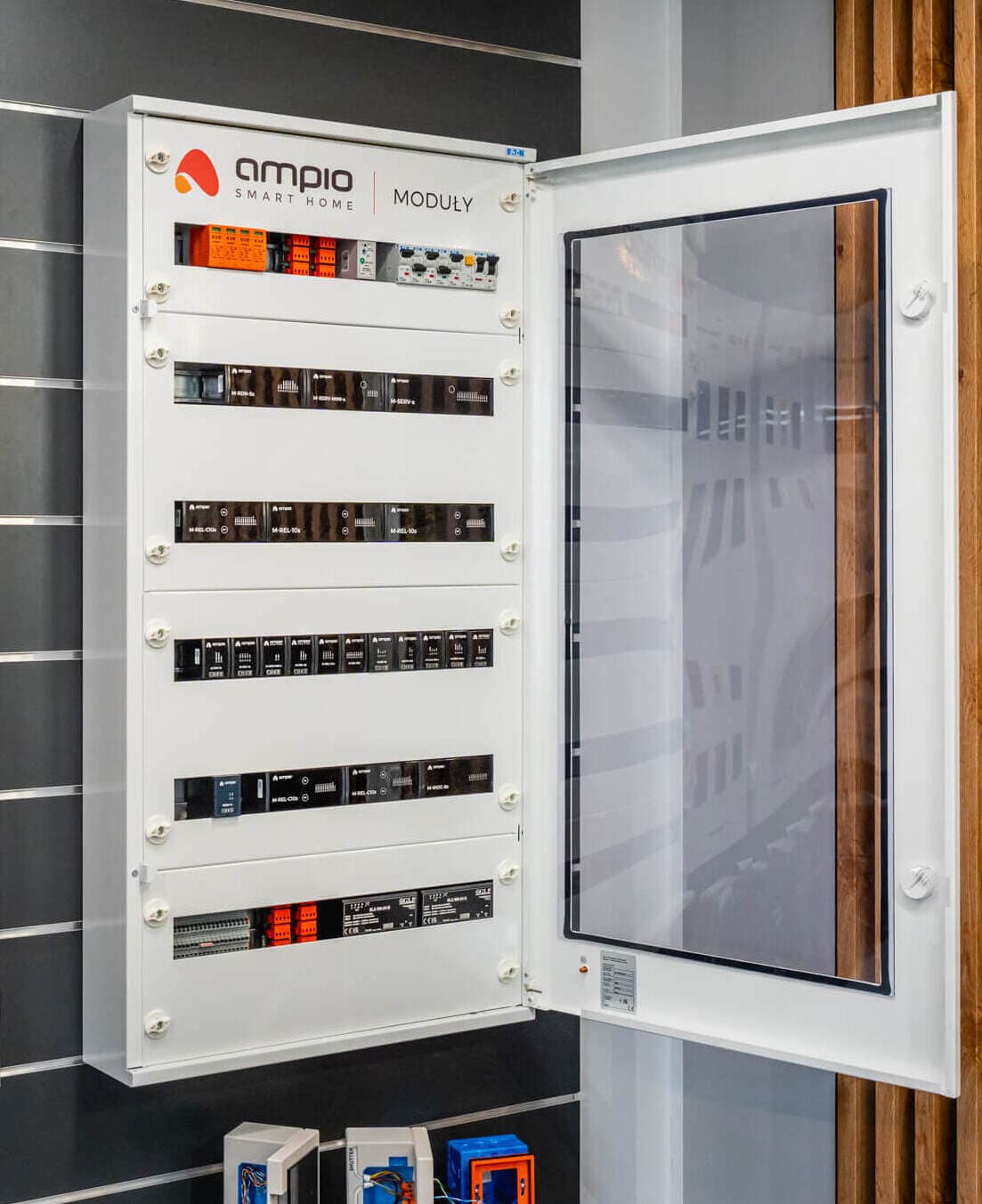
    Send notifications from Ampio Designer to locate a module in the distribution board.

    alt text

    Automatic updates

    You always work on the latest version of the tool, with no need for manual installation or file download.

    alt text

    Intuitive interface

    A modern and clear design makes configuration easier than ever, even for beginners.

    alt text

    Teamwork

    Several installers can work on the same project at the same time, with no risk of data loss.

    alt text

    Change history and backups

    Every change is saved, allowing you to revert to a previous version and keep full control over your project.

    alt text

    Full mobility

    Configuration is possible not only from a computer, but also from a smartphone or tablet – in the office, on site, or on the go.

    alt text

    Integration with Ampio services

    Designer works with Ampio cloud, system modules, and diagnostic tools for a single, unified environment.

    alt text

    Flexible scenarios

    Creating and modifying system logic is intuitive, and changes can be made on the fly.

    alt text

    Data security

    Cloud-secured access gives you the confidence that your project remains confidential.

    alt text

    Diagnostic mode

    Possibility of immediate system analysis and checking module status directly from the browser.

    alt text

    Immediate implementation of changes

    New settings are sent to the modules in real time – without delays and restarts.

    alt text

    Suitable for any project

    No matter if you configure a small family house or a large commercial installation – Designer fits any scale.

    alt text

    For beginners and professionals

    Thanks to its simplicity, it works great as a training tool, and experienced installers will appreciate its advanced features.

    alt text

    Web configuration

    Never worry again about downloading a desktop app. Ampio Designer allows system configuration from any device connected to the network.

    alt text

    Remote programming

    Installers can now program the system from anywhere in the world, thanks to remote cloud access.

    alt text

    Offline configuration

    Even without internet access and away from the installation, you can modify the project.

    alt text

    Quick search of modules and functions

    Advanced filters and search engine shorten the time needed to find the right element in the project.

    alt text

    Automatic configuration suggestions

    Designer suggests ready-made solutions and settings, speeding up the programming process even more.

    alt text

    Quick module localisation

    Send notifications from Ampio Designer to locate a module in the distribution board.

    alt text

    Automatic updates

    You always work on the latest version of the tool, with no need for manual installation or file download.

    alt text

    Intuitive interface

    A modern and clear design makes configuration easier than ever, even for beginners.

    alt text

    Teamwork

    Several installers can work on the same project at the same time, with no risk of data loss.

    alt text

    Change history and backups

    Every change is saved, allowing you to revert to a previous version and keep full control over your project.

    alt text

    Full mobility

    Configuration is possible not only from a computer, but also from a smartphone or tablet – in the office, on site, or on the go.

    alt text

    Integration with Ampio services

    Designer works with Ampio cloud, system modules, and diagnostic tools for a single, unified environment.

    alt text

    Flexible scenarios

    Creating and modifying system logic is intuitive, and changes can be made on the fly.

    alt text

    Data security

    Cloud-secured access gives you the confidence that your project remains confidential.

    alt text

    Diagnostic mode

    Possibility of immediate system analysis and checking module status directly from the browser.

    alt text

    Immediate implementation of changes

    New settings are sent to the modules in real time – without delays and restarts.

    alt text

    Suitable for any project

    No matter if you configure a small family house or a large commercial installation – Designer fits any scale.

    alt text

    For beginners and professionals

    Thanks to its simplicity, it works great as a training tool, and experienced installers will appreciate its advanced features.

    alt text

    Want to learn more about Ampio Designer?

    Take specialised training and get access to exclusive tools and full support to help you create advanced and personalised building automation systems. Become our partner and grow your position in the expanding community of experts.

    Sign up for a training

    Panel Creator

    Your interior, your design

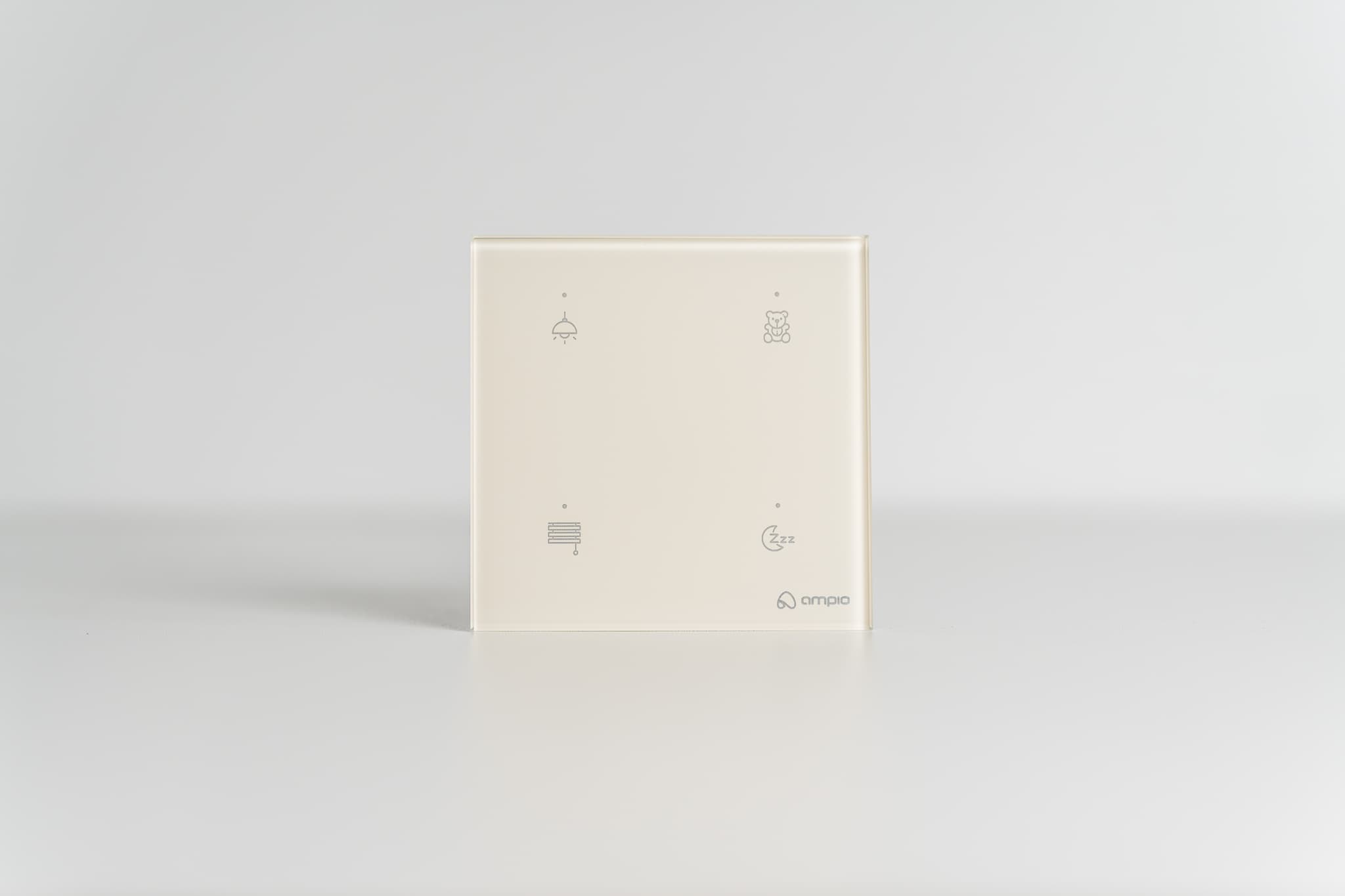
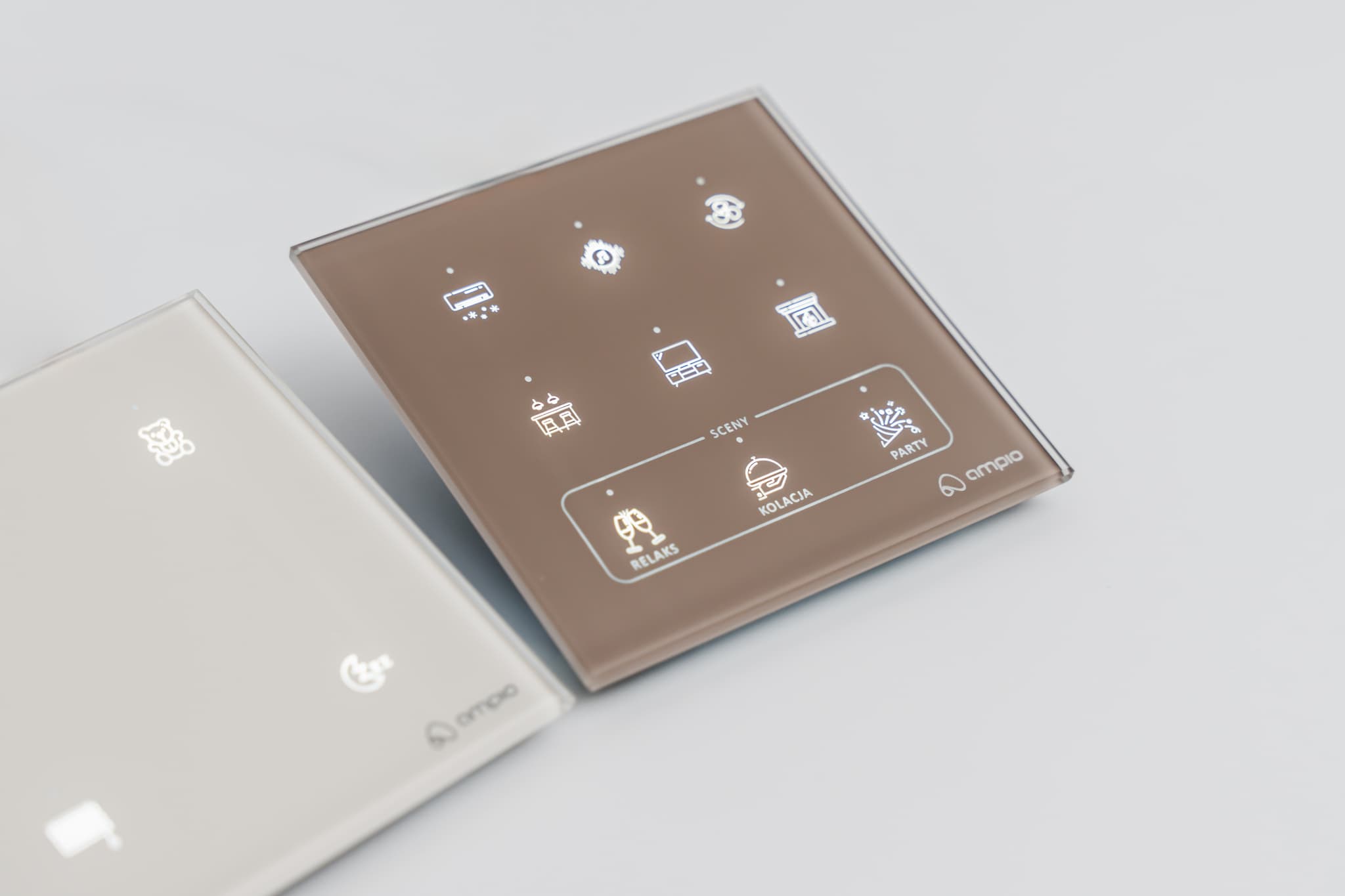
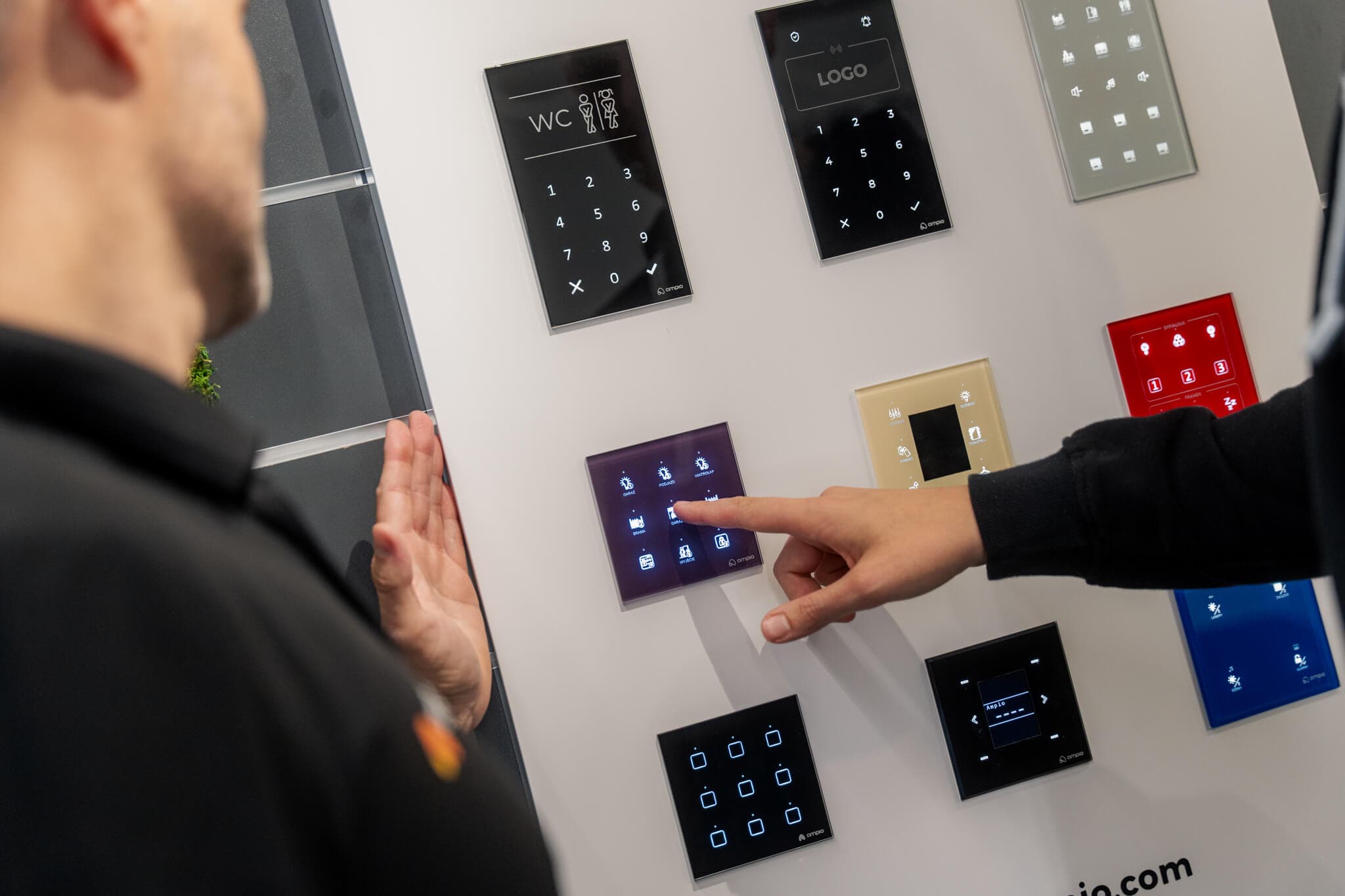
    Ampio touch panels are the heart of your smart home. Instead of standard switches, you get full control at your fingertips. With Panel Creator you can design the look of your panel so it perfectly matches your interior. Choose from different colours, button layouts, and custom icons to create a truly unique interface that is both functional and aesthetic.

    What do you gain?

    Full personalisation
    Intuitive design
    Live preview
    Simple and intuitive interface
    Check out the Panel Creator
    alt text

    Key features and advantages:

    alt text

    Choose and adjust icons

    Quickly assign functions by choosing icons from the built-in library or adding your own. Just drag and drop the chosen icon onto a button.

    alt text

    Precise labels

    Use labels to accurately describe each panel function. Choose your favorite font to keep labels clear and elegant.

    alt text

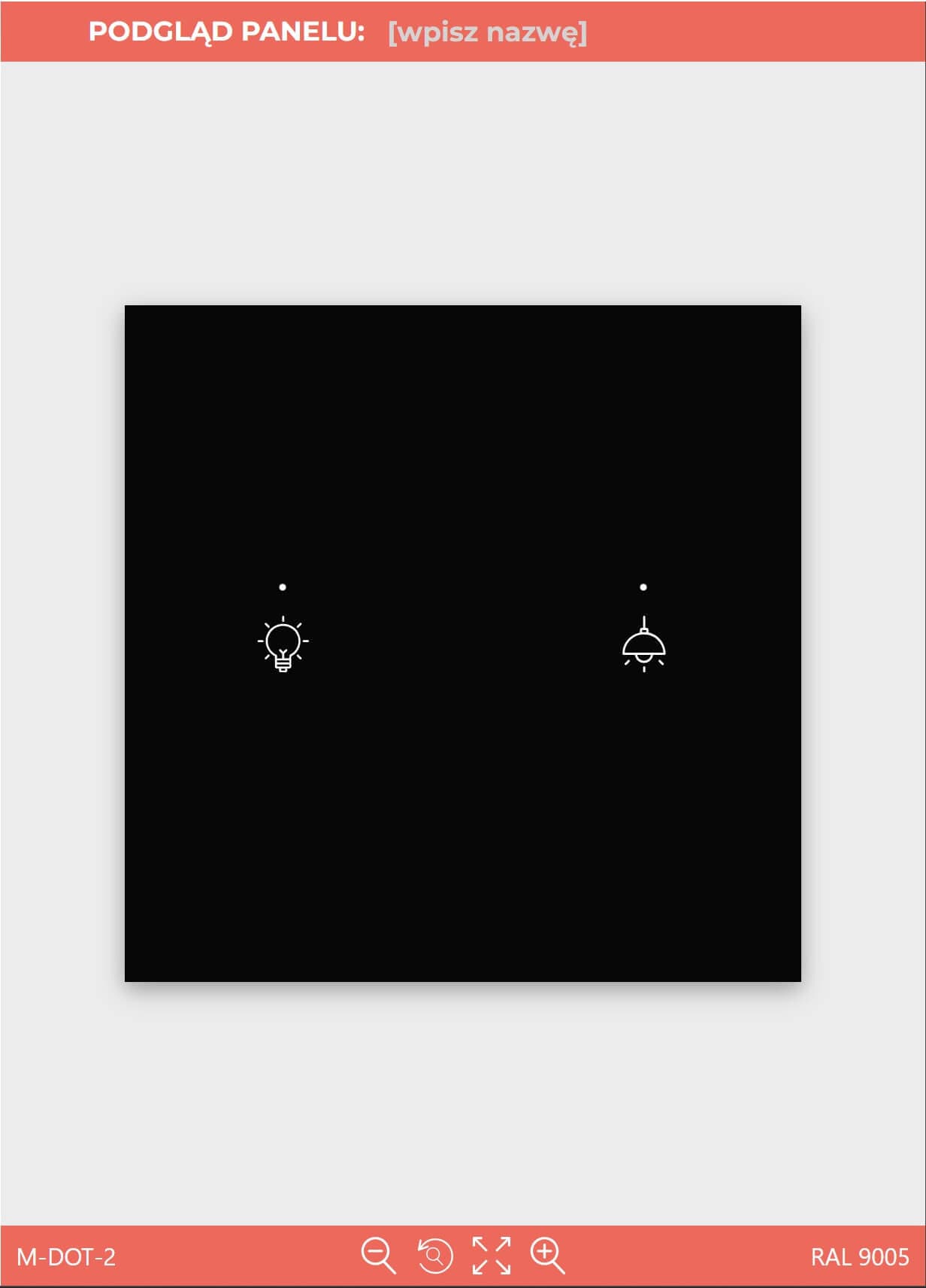
    Convenient preview

    See your panel take shape in real time. The preview updates instantly, so you can see changes immediately.

    alt text

    Save and share

    You can easily save your finished design as a PDF file for future access or to share it.

    alt text

    Easy design from scratch

    Panel Creator lets you quickly and easily design a personalised wall panel. Thanks to its simple steps, anyone can create a design perfectly suited to their interior.

    alt text

    Choose your model

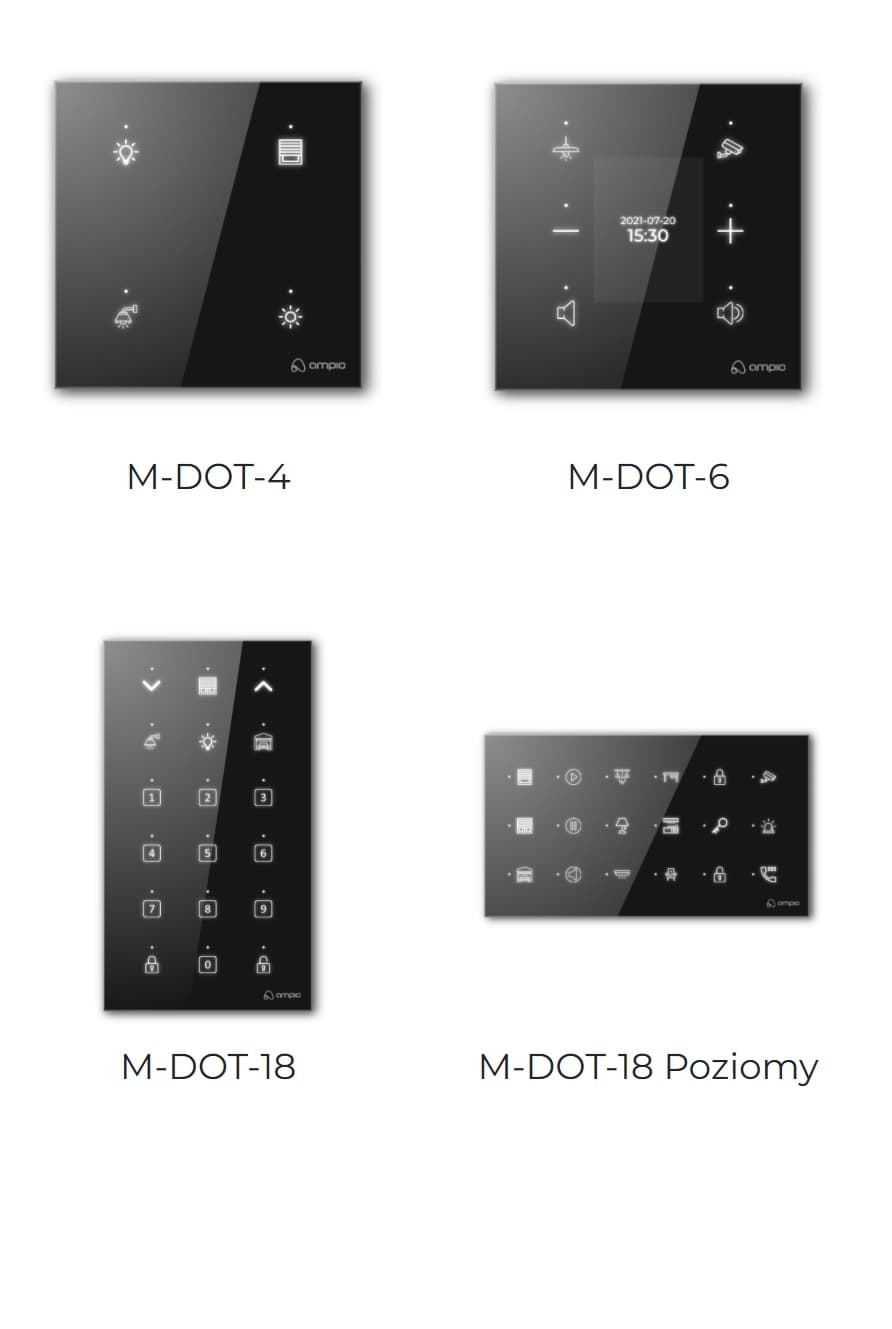
    Start by selecting a model that fits your needs – choose from available options (e.g. M-DOT-2, M-DOT-4) with various button layouts.

    alt text

    Adjust colours and bevels

    Match the panel background colour to your décor. Also choose an edge style – a 2 mm or 5 mm bevel – to give your panel an elegant touch.

    alt text

    Choose and adjust icons

    Quickly assign functions by choosing icons from the built-in library or adding your own. Just drag and drop the chosen icon onto a button.

    alt text

    Precise labels

    Use labels to accurately describe each panel function. Choose your favorite font to keep labels clear and elegant.

    alt text

    Convenient preview

    See your panel take shape in real time. The preview updates instantly, so you can see changes immediately.

    alt text

    Save and share

    You can easily save your finished design as a PDF file for future access or to share it.

    alt text

    Easy design from scratch

    Panel Creator lets you quickly and easily design a personalised wall panel. Thanks to its simple steps, anyone can create a design perfectly suited to their interior.

    alt text

    Choose your model

    Start by selecting a model that fits your needs – choose from available options (e.g. M-DOT-2, M-DOT-4) with various button layouts.

    alt text

    Adjust colours and bevels

    Match the panel background colour to your décor. Also choose an edge style – a 2 mm or 5 mm bevel – to give your panel an elegant touch.

    alt text

    Choose and adjust icons

    Quickly assign functions by choosing icons from the built-in library or adding your own. Just drag and drop the chosen icon onto a button.

    alt text

    Precise labels

    Use labels to accurately describe each panel function. Choose your favorite font to keep labels clear and elegant.

    alt text

    Convenient preview

    See your panel take shape in real time. The preview updates instantly, so you can see changes immediately.

    alt text

    Save and share

    You can easily save your finished design as a PDF file for future access or to share it.

    alt text

    Configuration

    Design and configure your smart building

    Smart home
    Do you have questions? If you need support with system configuration or panel design, our team is at your disposal.
    Contact us