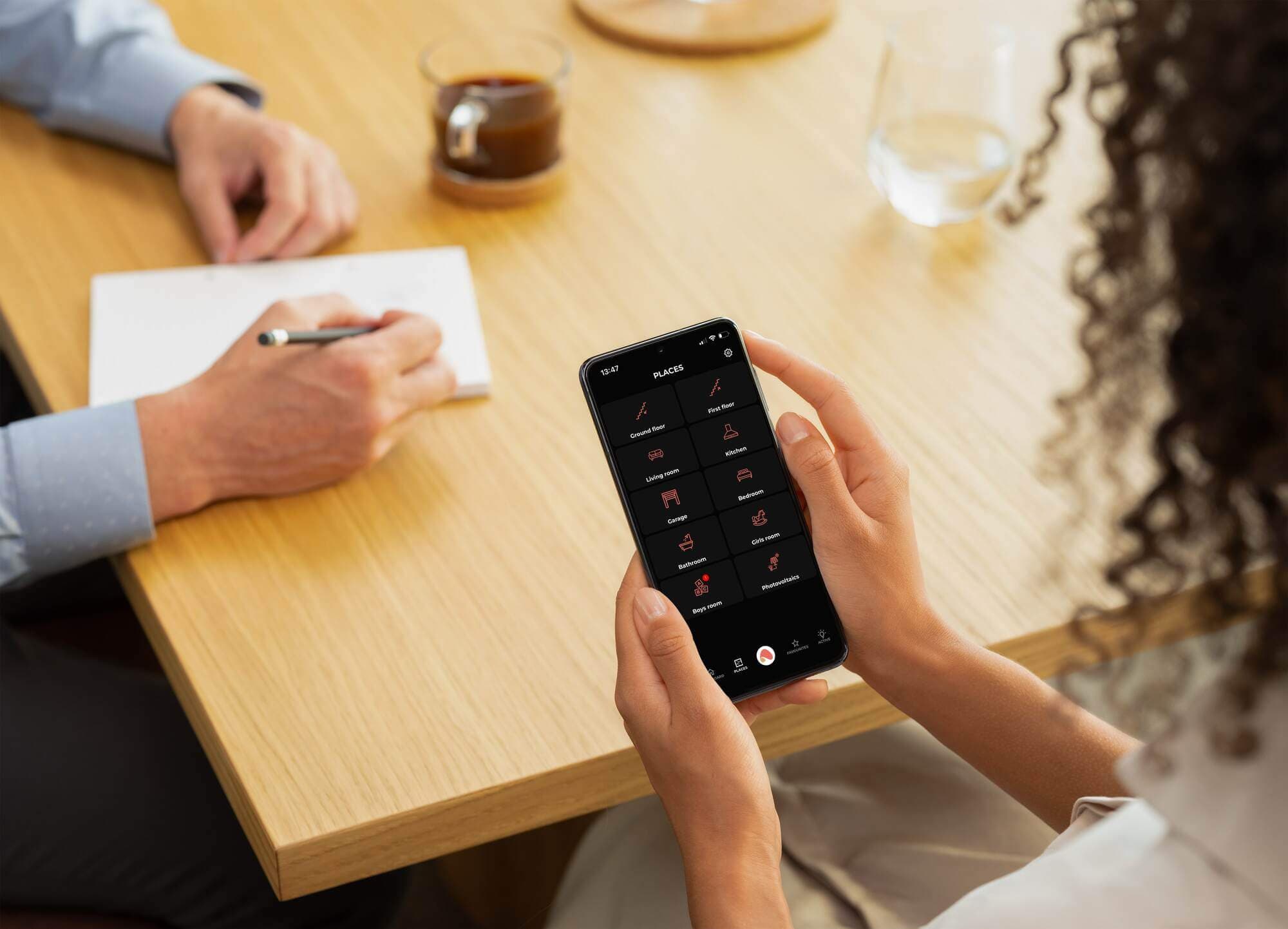
Remote control
Control all devices from anywhere in the world by creating personalised scenarios and automations that make your smart home work exactly the way you want.


Discover Ampio UNI – the app that turns your smartphone into a command center for your smart home, providing comfort, security, and freedom to manage lighting, climate, or security from anywhere in the world.
Control all devices from anywhere in the world by creating personalised scenarios and automations that make your smart home work exactly the way you want.
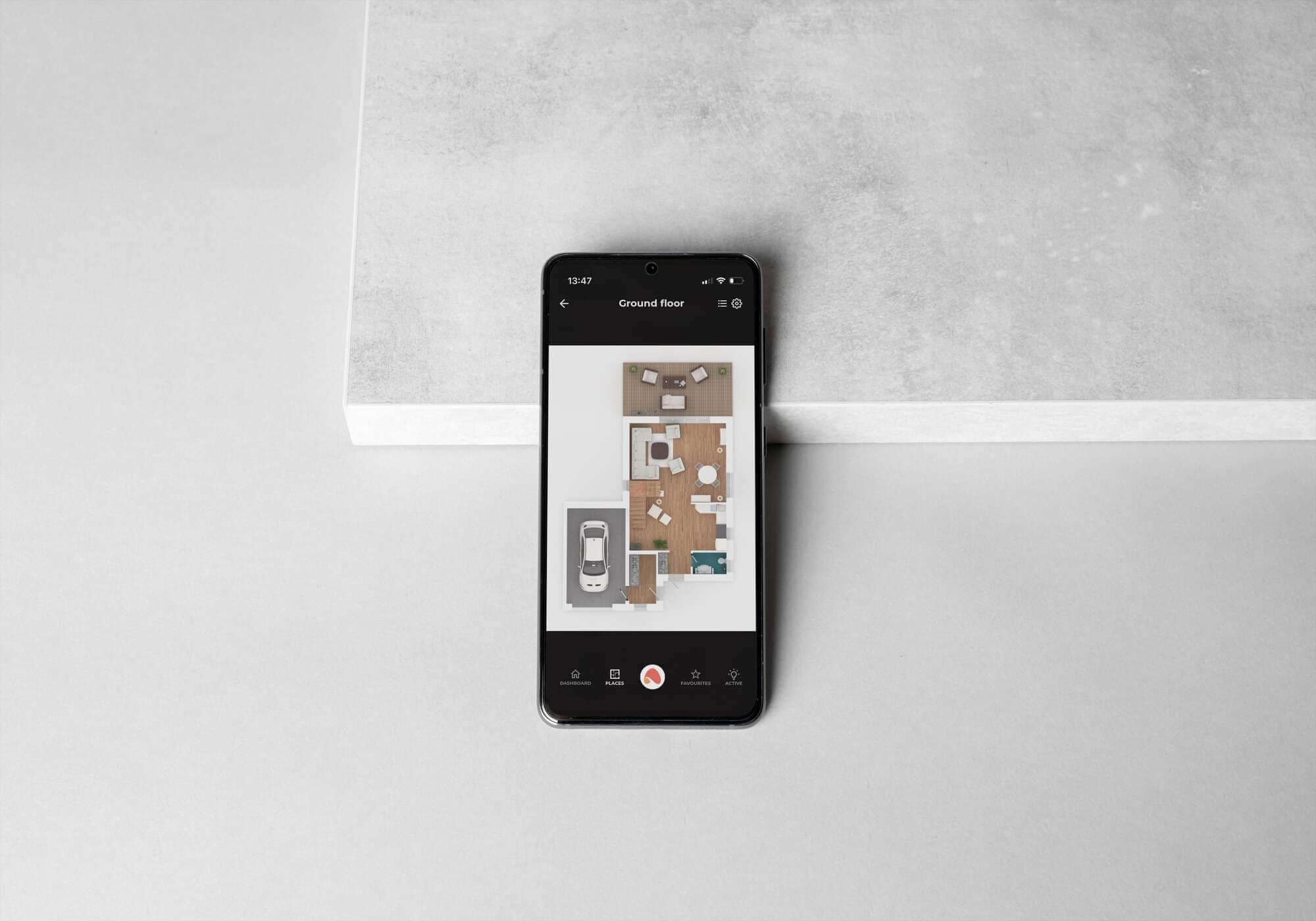
Tailor the app to your individual needs. Customise the user interface to quickly access your most-used functions and devices, and configure settings to fit your lifestyle.
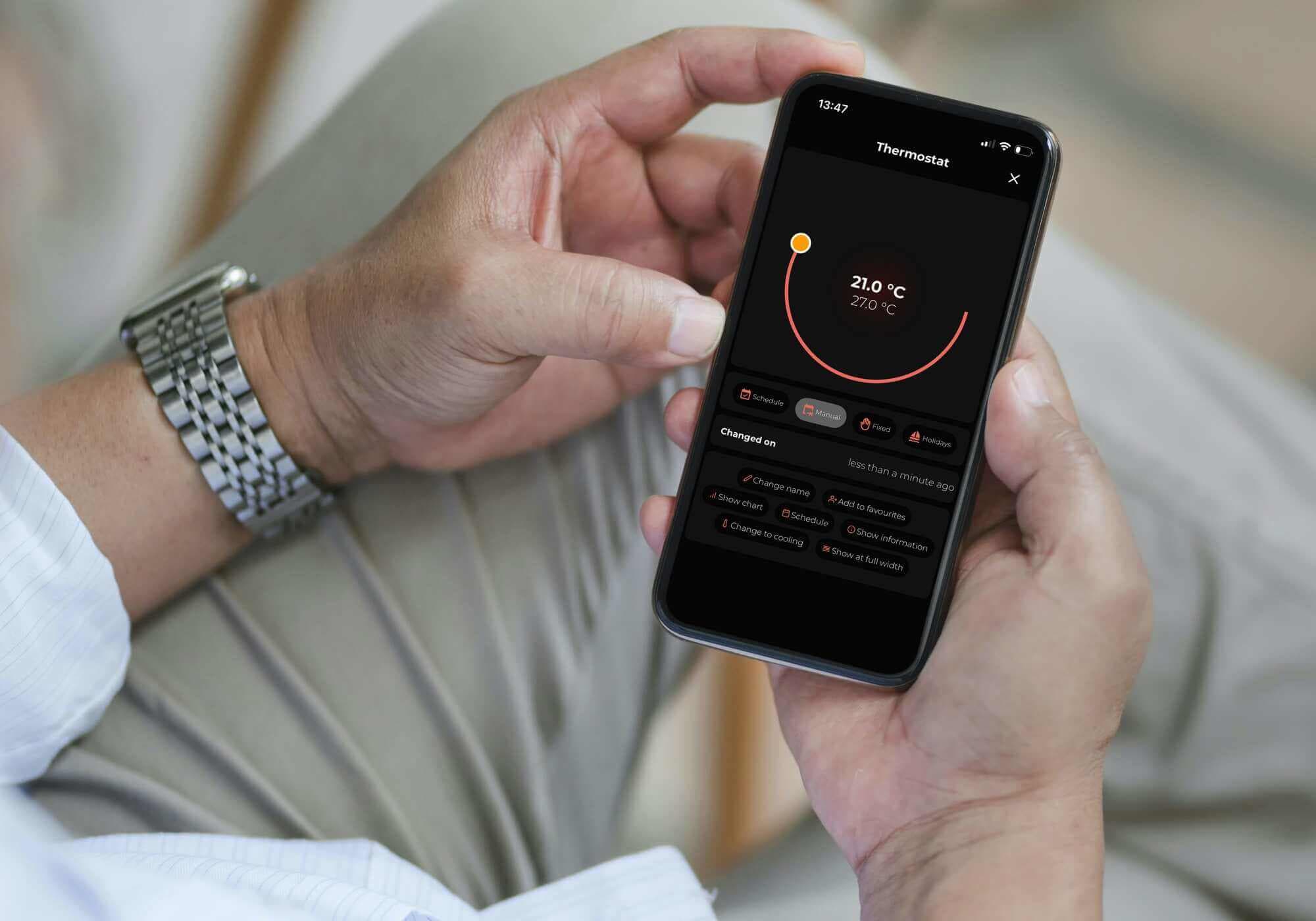
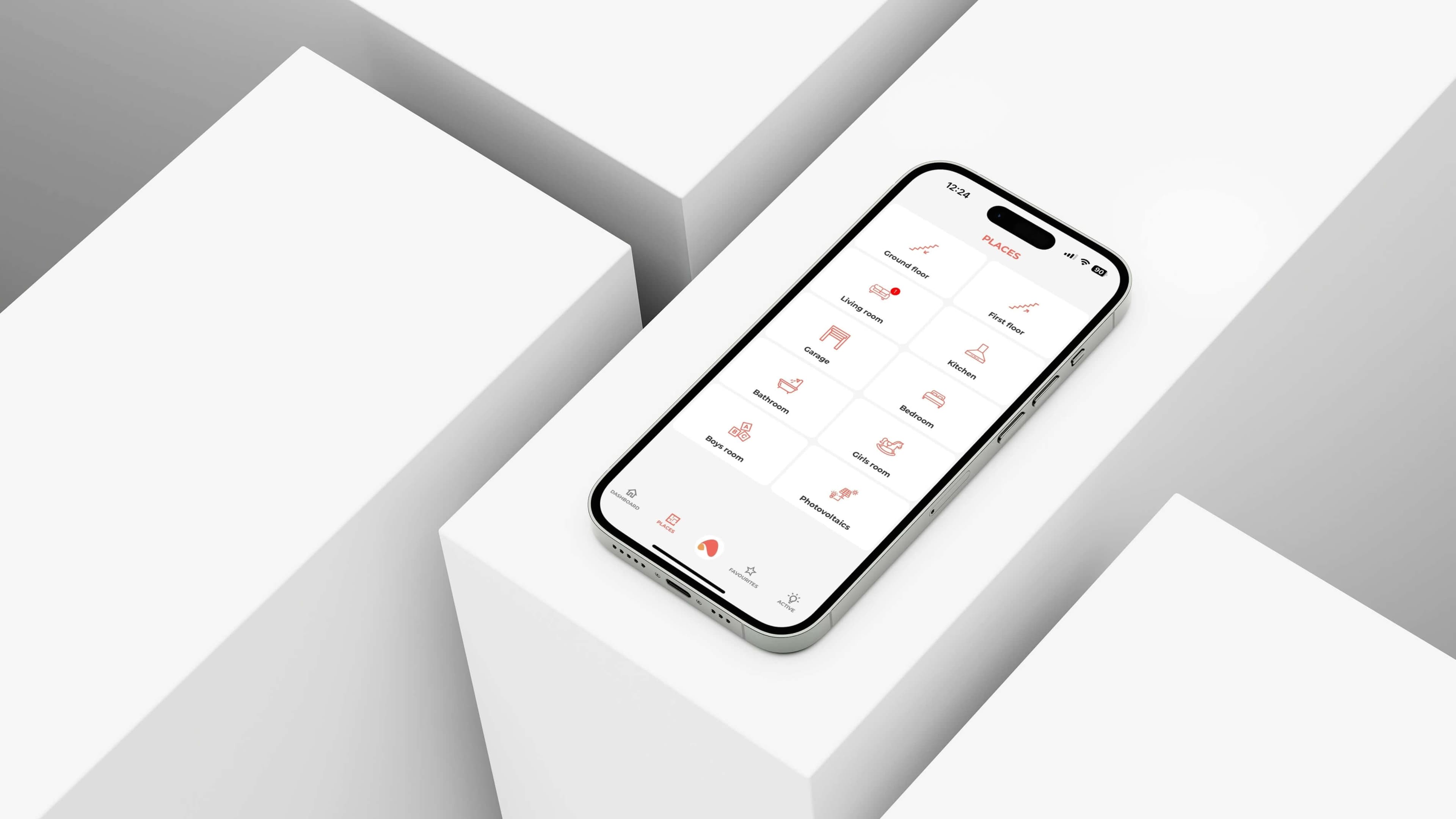
Simple and user-friendly. With the new tile layout and refreshed look, navigation and device control are easier than ever.
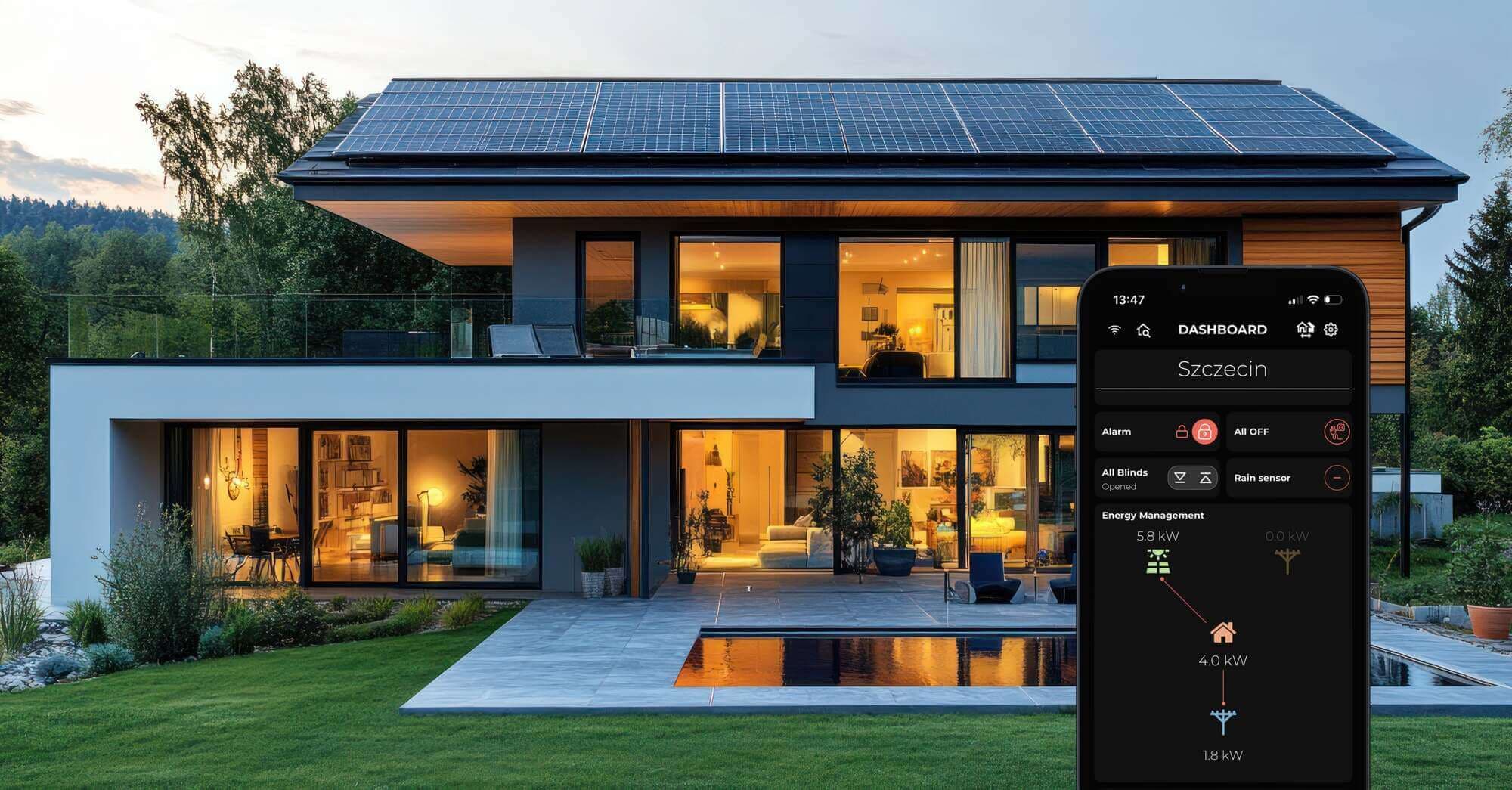
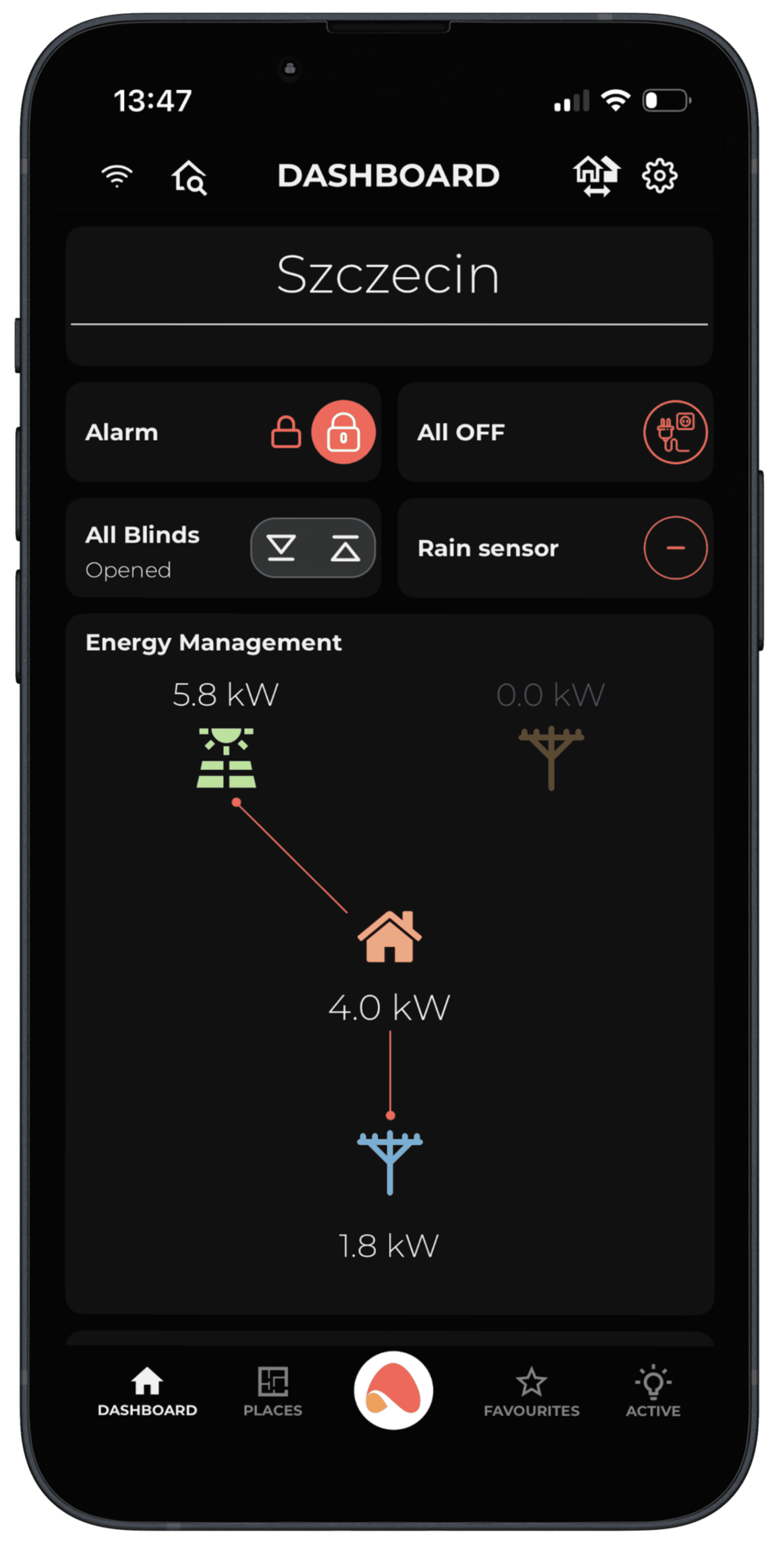
Track and manage energy consumption in real time. Thanks to new visualisations of photovoltaic and energy storage data, you can use resources more efficiently and care for the environment.
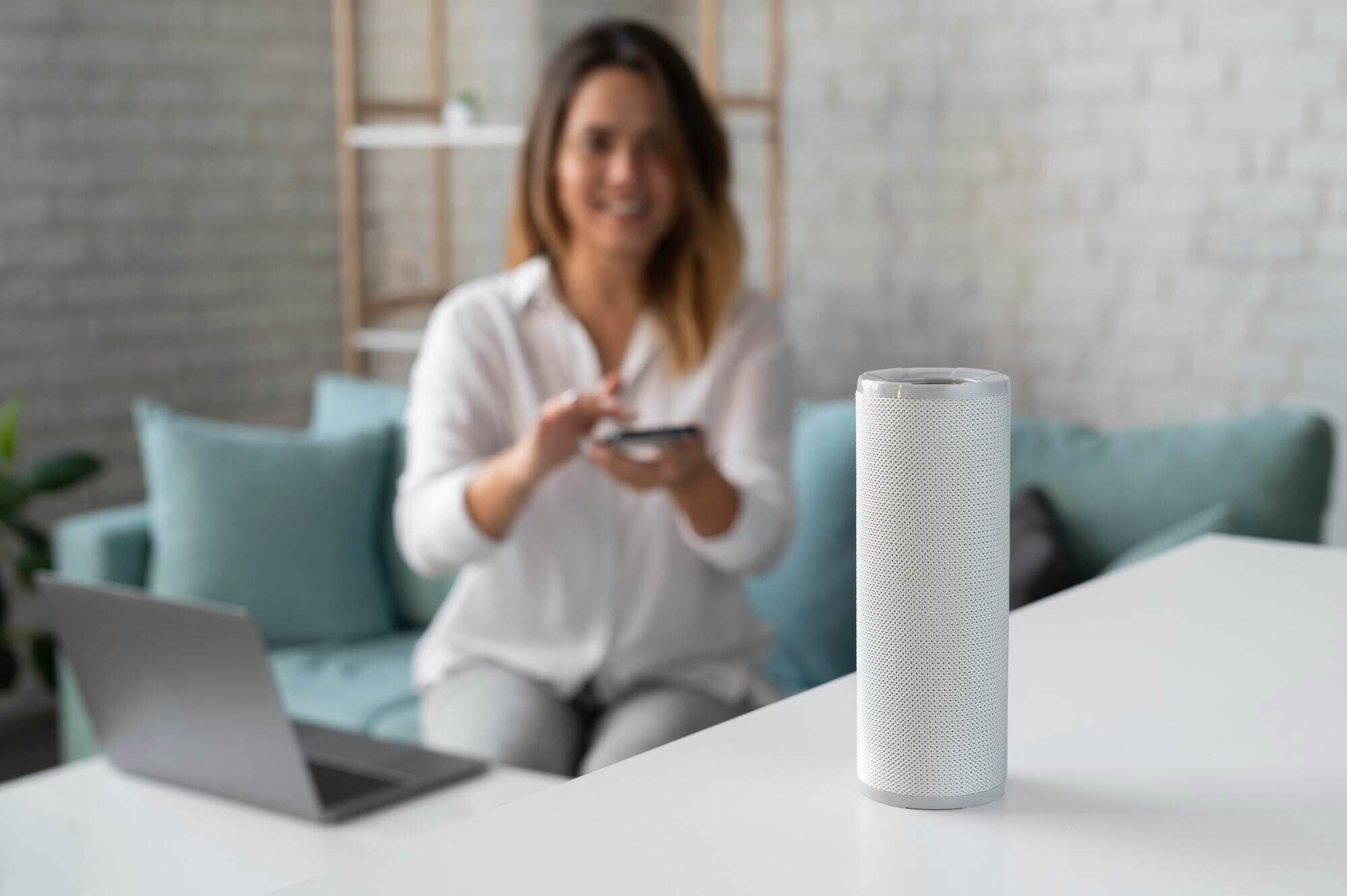
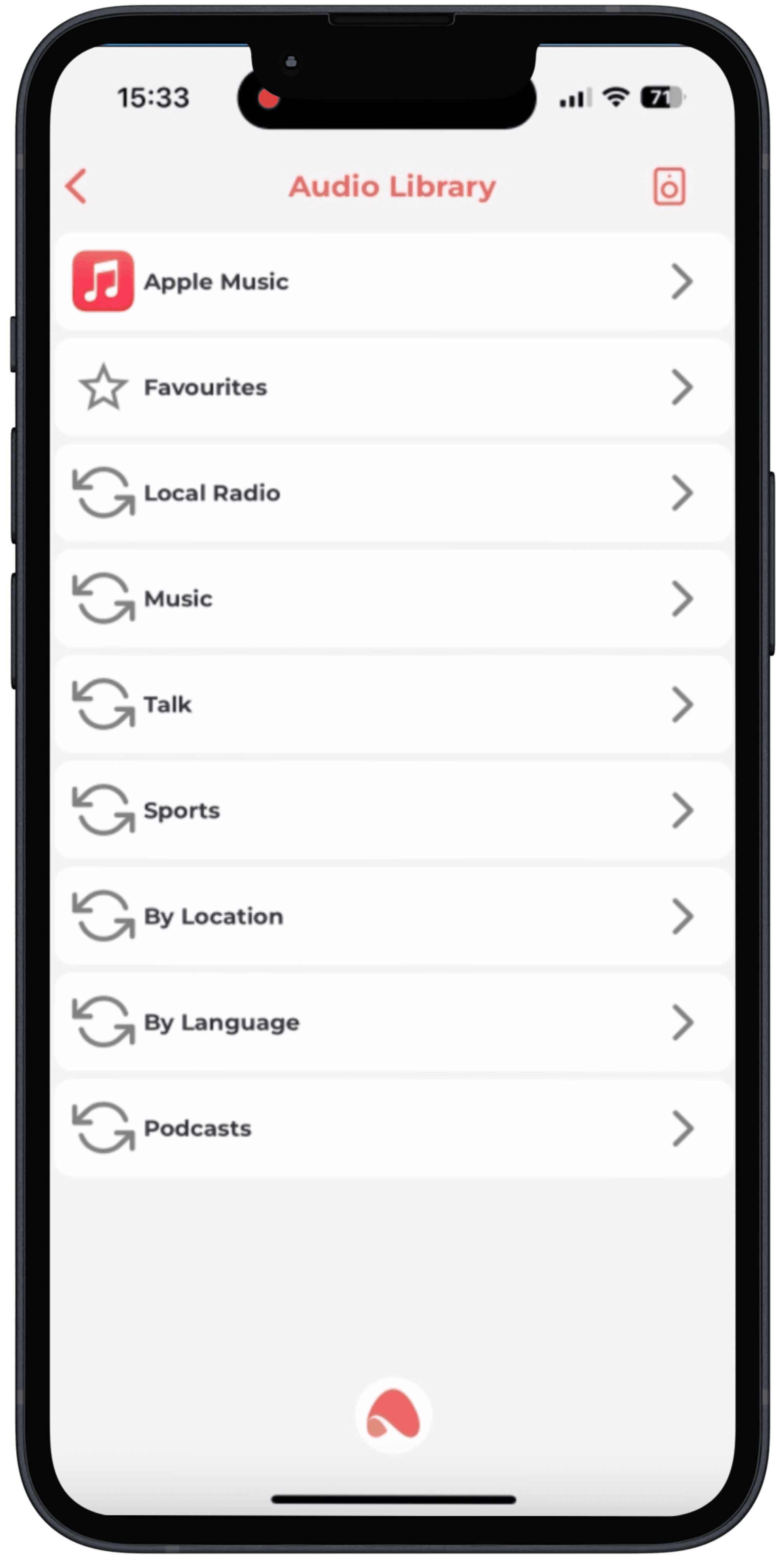
Stream music from anywhere in your home. Seamlessly search and play your favorite music on all devices supporting AirPlay 1 and 2 technology, with automatic integration and configuration.

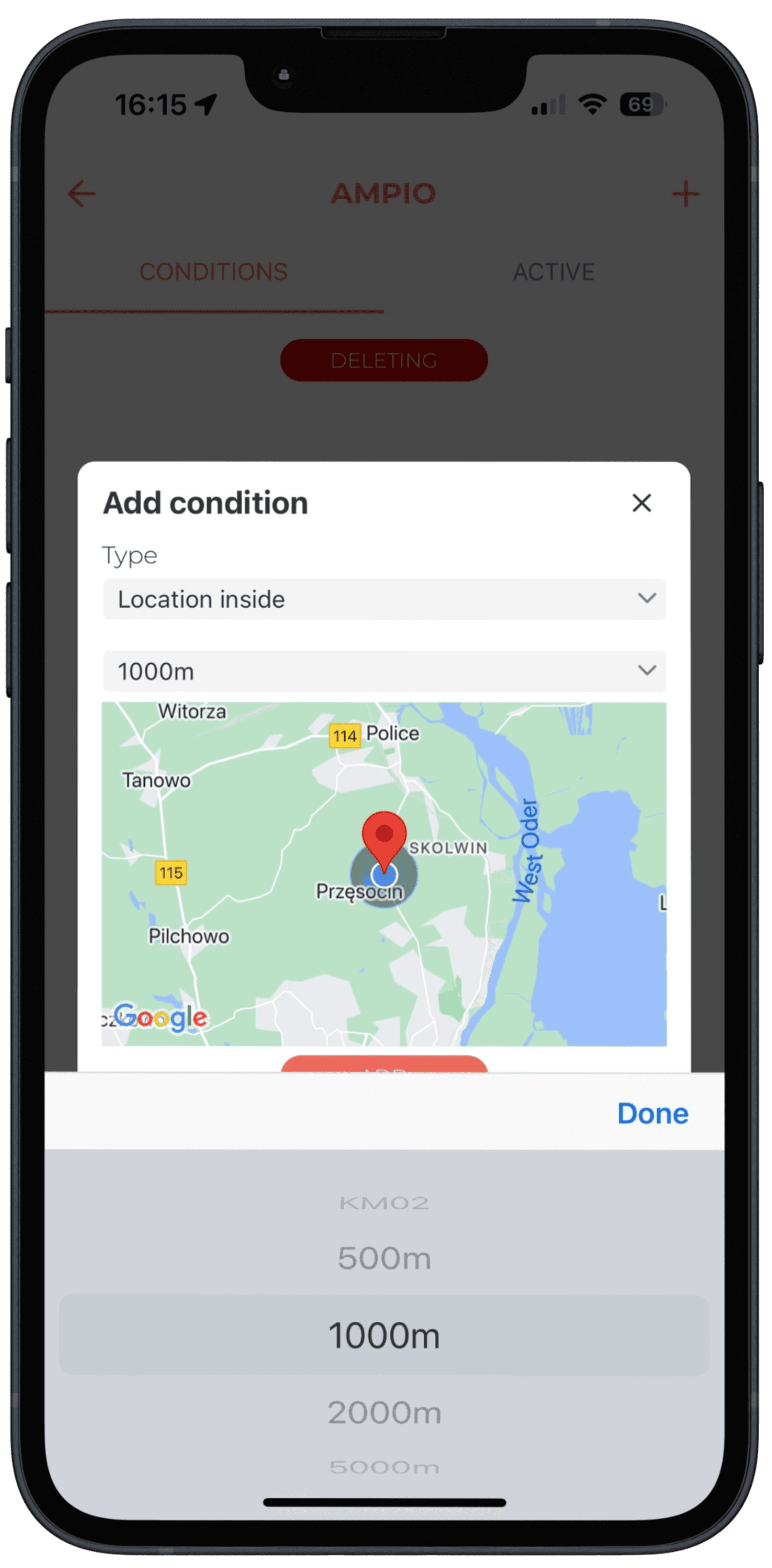
Automate actions based on your location. Define areas on the map and let the app perform tasks when you approach or leave your home.
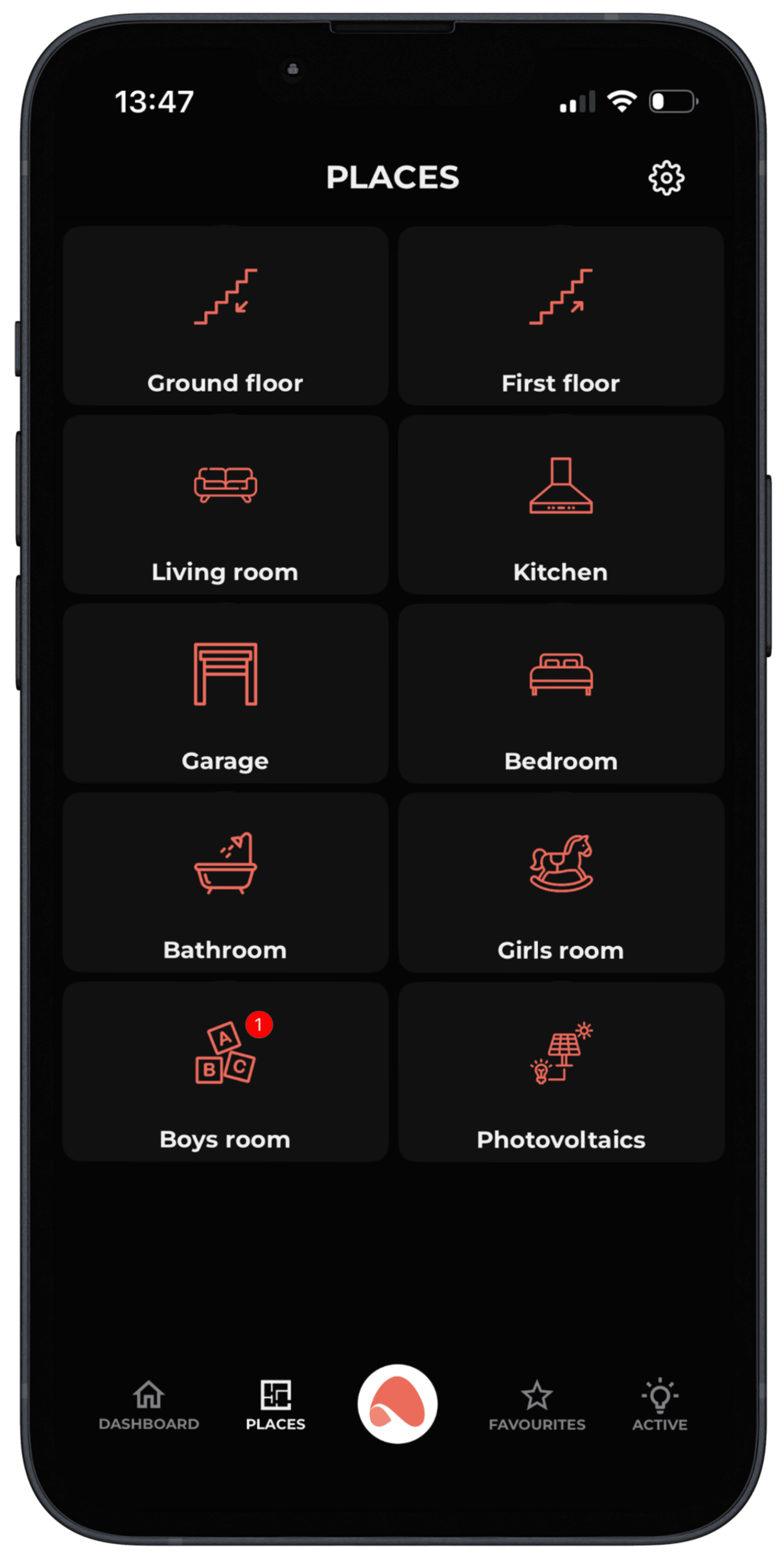
Modern design - tile view and Ampio Light mode
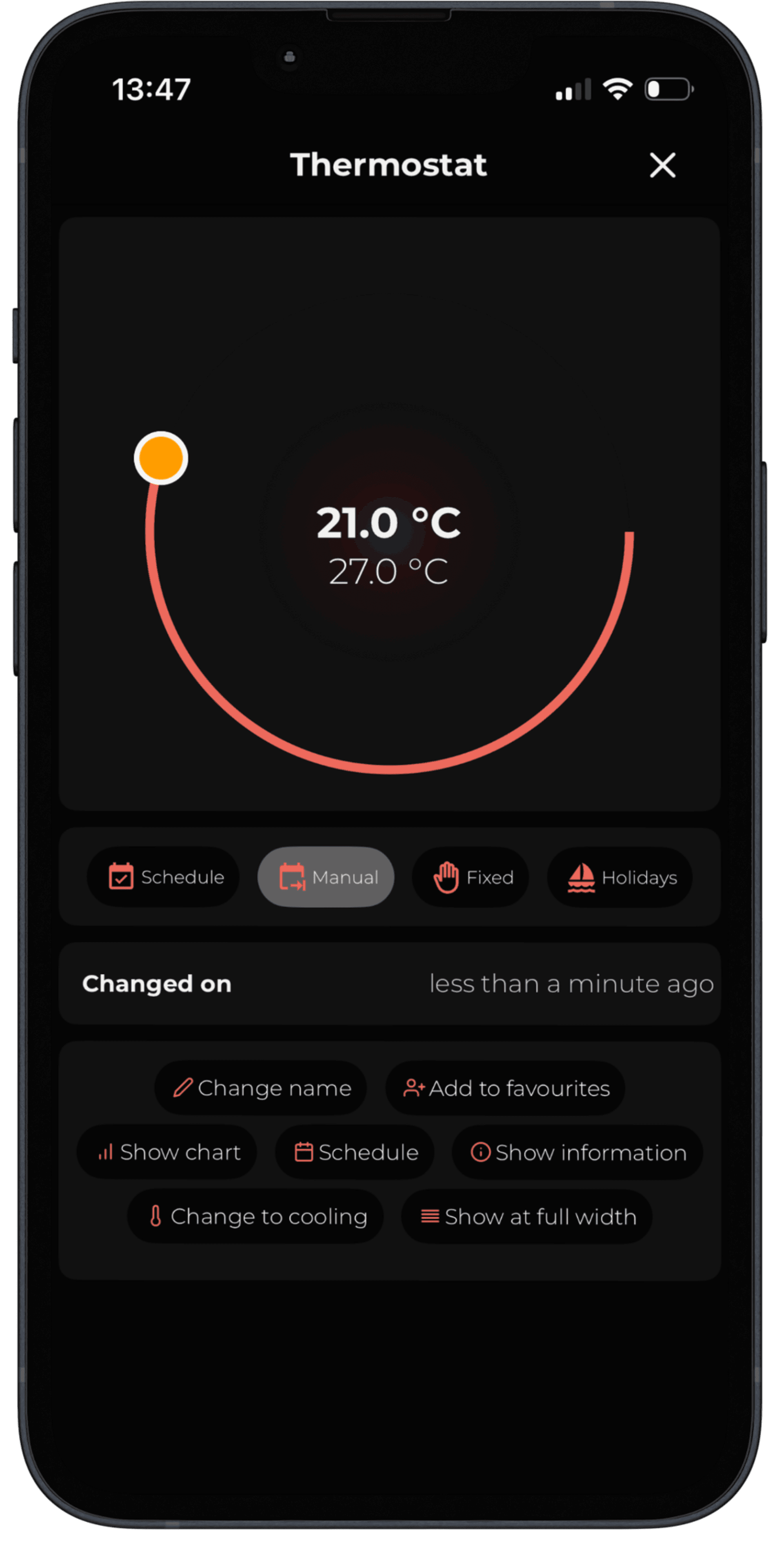
Convenient layout making home control easier
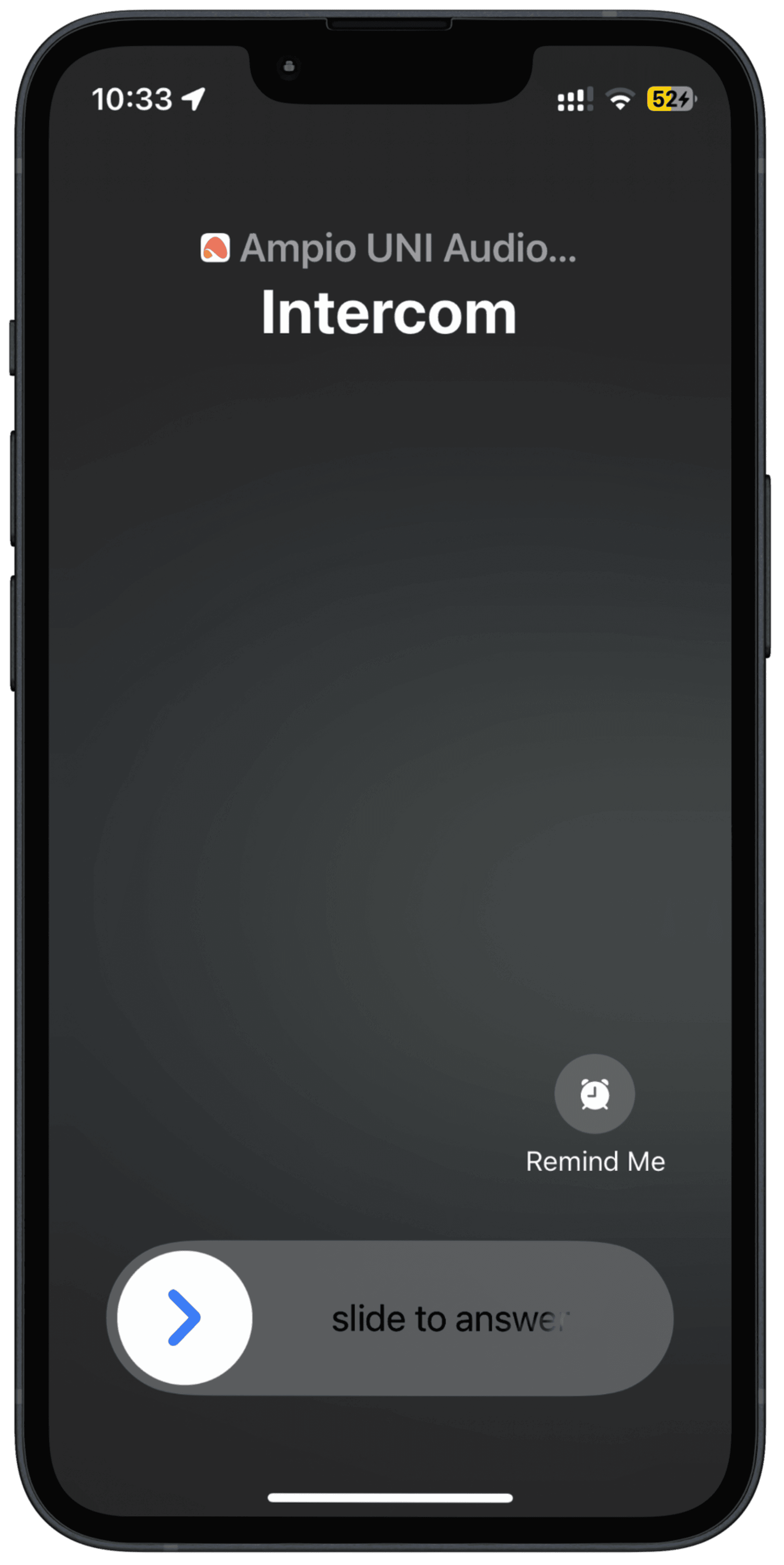
Calling the intercom on your phone via the app
Manage your smart building quickly, conveniently, and from one place. Ampio UNI gives you intuitive access to lighting, heating, blinds, scenes, and many other features - always at hand, right on your smartphone. The Ampio UNI app is available on the most popular mobile platforms. Download it from the Google Play Store or App Store and start enjoying the full potential of the Ampio system today.
No, Ampio UNI is completely free and available to download from the App Store (for iOS devices) and Google Play Store (for Android devices)!
Ampio UNI is available on smartphones and tablets with iOS (requires iOS 12.0 or later) and Android. You can also use it on Mac computers with Apple M1 processor or later and macOS 11.0 or later.
If you control the system remotely, outside your home Wi-Fi network, you need an active Internet connection. However, when you are in your local network (e.g., home Wi-Fi), the app works even without Internet access.
Ampio UNI enables comprehensive control of all your smart home functions. You can easily manage lighting, heating, blinds, gates, audio system, alarm, camera feeds, and create your own scenes and receive PUSH notifications.
Yes, Ampio UNI offers extensive personalisation options. You can configure room views, create custom widgets on the main screen, and use geolocation or voice control (integration via Matter with voice assistants) to perfectly tailor the app to your lifestyle.
Upon first launch, the app will guide you through adding the system. You can do this easily by logging into Ampio Cloud or manually entering the IP/domain address and port of your Ampio system.
If you have questions or problems with Ampio UNI, contact your Ampio system installer or Ampio technical support directly. Additionally, our Knowledge Base contains helpful tips and guides.